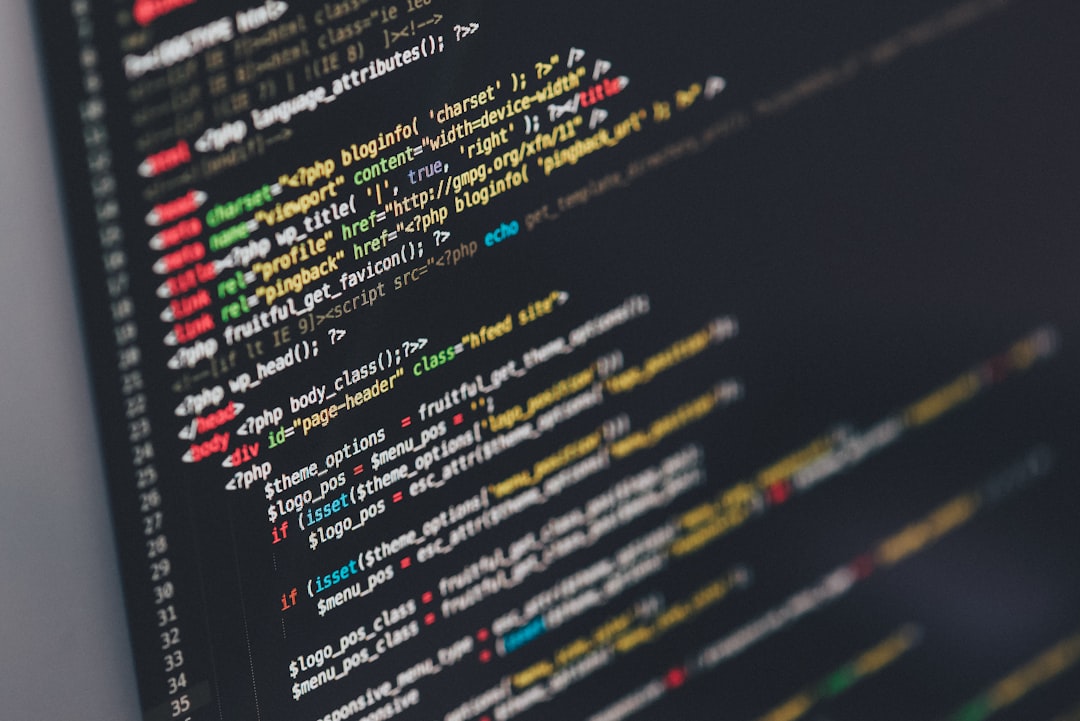
Photo by Ilya Pavlov on Unsplash
Last Tuesday, Sarah from Portland noticed something odd. Her laptop's webcam light flickered on while she was reading email. She hadn't opened any video apps. The light went off after three seconds, but the damage was done—she'd just experienced what millions of people fear but few discuss: unauthorized camera access.
Sarah isn't paranoid. She's just aware. And awareness, it turns out, is the first step toward actual protection in an era where webcams have become standard security vulnerabilities built into nearly every device we own.
How Your Webcam Became a Backdoor
Webcams were supposed to be simple. Point, click, video call. But simplicity in technology often means overlooked security. Most laptop and monitor webcams run basic firmware with minimal encryption between the camera hardware and your operating system. Think of it like leaving a door unlocked because you assumed no one would try the handle.
The problem exploded into public consciousness in 2014 when the FBI director, James Comey, admitted to covering his own webcam with tape. Not because of paranoia, but because of probability. Every connection point in your device is a potential entry. Webcams, sitting right there at eye level, watching your room, your face, sometimes your surroundings—they became obvious targets.
Here's what actually happens: A hacker gains access to your computer through malware, a compromised password, or a phishing attack. Once inside, they don't need fancy tools. They simply activate your webcam through software you can't see running. Some malware specifically targets webcams. Other attacks piggyback—while they're stealing your banking credentials, they grab camera access as a bonus. According to research from the Internet Watch Foundation, there are over 100,000 webcam hacking incidents annually, though the real number is likely much higher since many victims never realize they've been compromised.
The Real Risk (It's Not Always What You Think)
Everyone assumes hackers want to watch people undressing or doing private things. That's the Hollywood version. Reality is often less dramatic but more insidious.
Yes, ransomware operators sometimes use webcam footage as leverage—they'll record embarrassing moments and demand payment to delete the evidence. But more commonly, hackers use webcams for reconnaissance. They watch to see when you're home. They observe your patterns, your visitors, your valuables. They gather information. A camera pointed at your desk also captures everything on your screen—passwords being typed, documents being read, banking details being entered.
There's also the wholesale harvesting approach. Hackers don't care about you specifically. They infect thousands of computers, activate all the webcams simultaneously, and stream the feeds to paying customers. It's industrial-scale invasion of privacy. In 2013, a hacker group calling themselves the "Illuminati" claimed to have accessed over 500,000 webcams worldwide and released samples of the footage. Many were from corporate offices and government buildings.
The scariest part? You might never know. Unlike a burglary, there's often no evidence something happened. The light might not always activate when the camera is in use—some malware disables that indicator specifically.
Practical Protection That Actually Works
Okay, so what do you actually do? Start with the obvious but often neglected: keep your operating system and software updated. Seriously. Most successful computer compromises exploit known vulnerabilities that patches have already fixed. Microsoft, Apple, and Linux developers regularly release security updates. If you're ignoring them, you're essentially leaving your front door open.
Then cover your camera. This sounds absurdly simple, which is probably why it took an FBI director admitting to it for people to actually do it. Tape works fine. So do tiny sliding covers you can buy for $5-15 online. The psychological effect matters too—a covered camera is a covered camera. You can't be livestreamed from a device you can physically see is blocked.
Use strong, unique passwords for every important account. Password managers like Bitwarden or 1Password make this actually feasible instead of theoretical. If one account gets compromised, it doesn't cascade to everything else. This prevents the initial breach that leads to camera access.
Consider your camera's position, especially on laptops. Adjust your screen angle so that even if someone gained access, they'd be filming your ceiling or wall, not your face or your workspace. This costs nothing and removes the specific threat model hackers are counting on.
Install reputable antivirus software. Malwarebytes, Kaspersky, and Bitdefender all catch webcam-targeting malware reliably. Free versions exist too, though paid versions offer real-time monitoring.
If your device has a hardware killswitch for the webcam, use it. Some newer laptops and external cameras come with this feature. It's the nuclear option—the camera literally cannot function, no amount of software wizardry changes that. If you don't need your webcam regularly, physically disconnecting external cameras is equally effective.
The Bigger Picture
Webcam hacking is ultimately a symptom of a larger problem: devices designed for convenience rather than security. We bought cameras for video calls and streaming, and the manufacturers prioritized ease of use over protection. Most consumers never wanted a webcam—it came with the device.
This is why companies like Apple have been adding privacy-focused features like indicator lights for camera access that can't be disabled by software. It's why some premium laptops now include mechanical camera shutters as standard. Manufacturers are finally responding to what should have been obvious from day one: cameras watching you should be your choice, not just technically possible.
For creators and professionals relying on video, the stakes are different. If you need camera access regularly, focus on maintaining an absolutely clean device instead. Regular backups, separate work devices for sensitive activities, and consistent security scans become non-negotiable. Also read Why Your Smartphone's AI Chip Matters More Than You Think to understand how additional processing power on your devices creates both opportunities and vulnerabilities.
Sarah, from the beginning of this article, covered her webcam with a sticky note. It's still there three months later. She doesn't miss anything it was providing. And now, she doesn't have to wonder if someone's watching from the other side.
Comments (0)
No comments yet. Be the first to share your thoughts!
Sign in to join the conversation.